
08:00
Bulk room assignmentsBasic
BeforeThe supervisor assigns rooms one at a time, which takes ages
Use task templates to assign work in bulk by room and type.
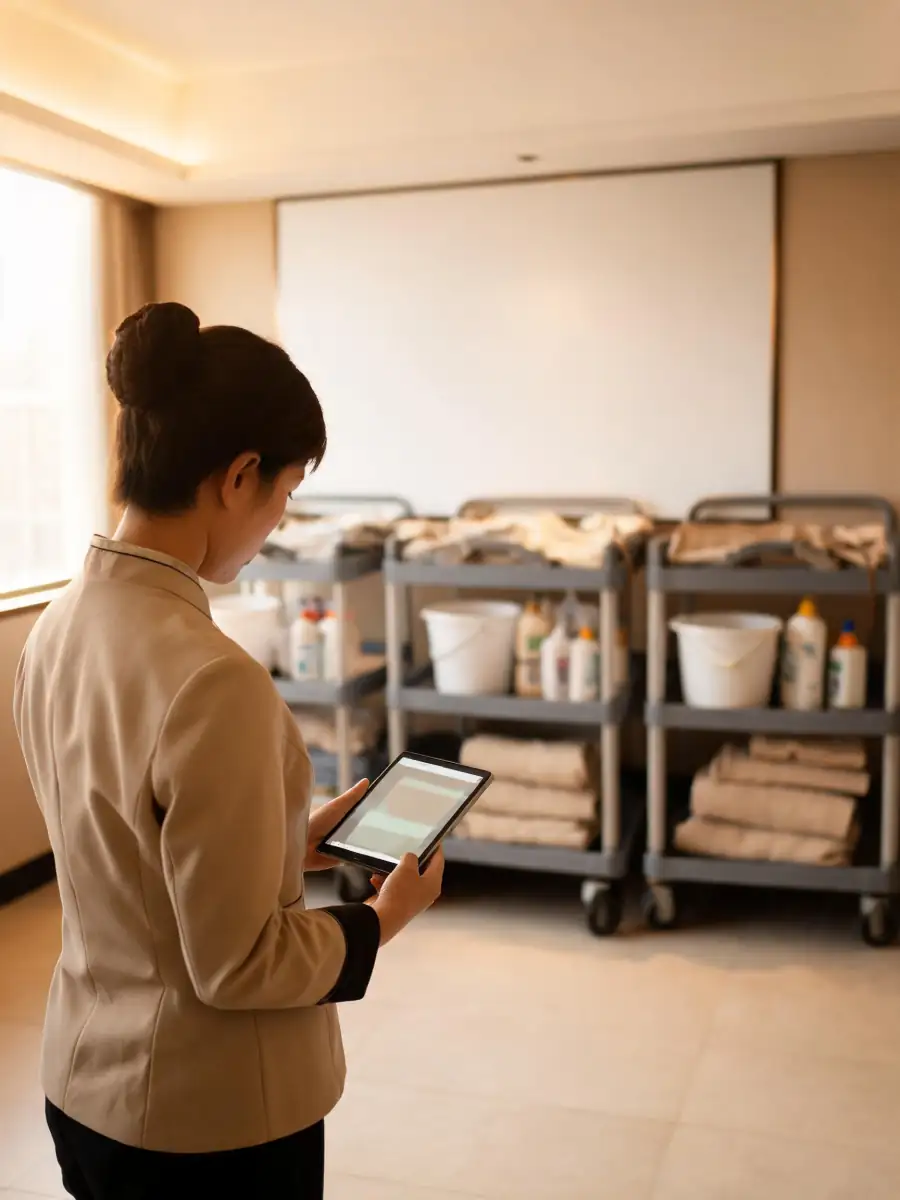
Assign cleaning, review submissions and record inspection results. Rooms that need rework stay on the list.
See 6 features ↓ Illustrative product scene
| Room | Type | Attendant | Cleaning | Inspection |
|---|---|---|---|---|
| 1208 | King | Li Mei | Submitted | Waiting |
| 1210 | Twin | Li Mei | In progress | — |
| 1502 | Suite | Wang Fang | Submitted | Passed |
| 1506 | King | Wang Fang | Submitted | Redo: mirror streaks |
| 1611 | Twin | Zhao Min | Submitted | Waiting |
08:00
BeforeThe supervisor assigns rooms one at a time, which takes ages
Use task templates to assign work in bulk by room and type.
09:30
BeforeAfter someone is off or swaps shifts, nobody is sure who has which room
Assign, reassign or cancel tasks.

13:00
BeforeFinished rooms get reported in the group chat, by phone, or however each person likes
Staff submit completion and evidence for their assigned rooms.

15:00
BeforeA room is cleaned, and no one confirms it passed
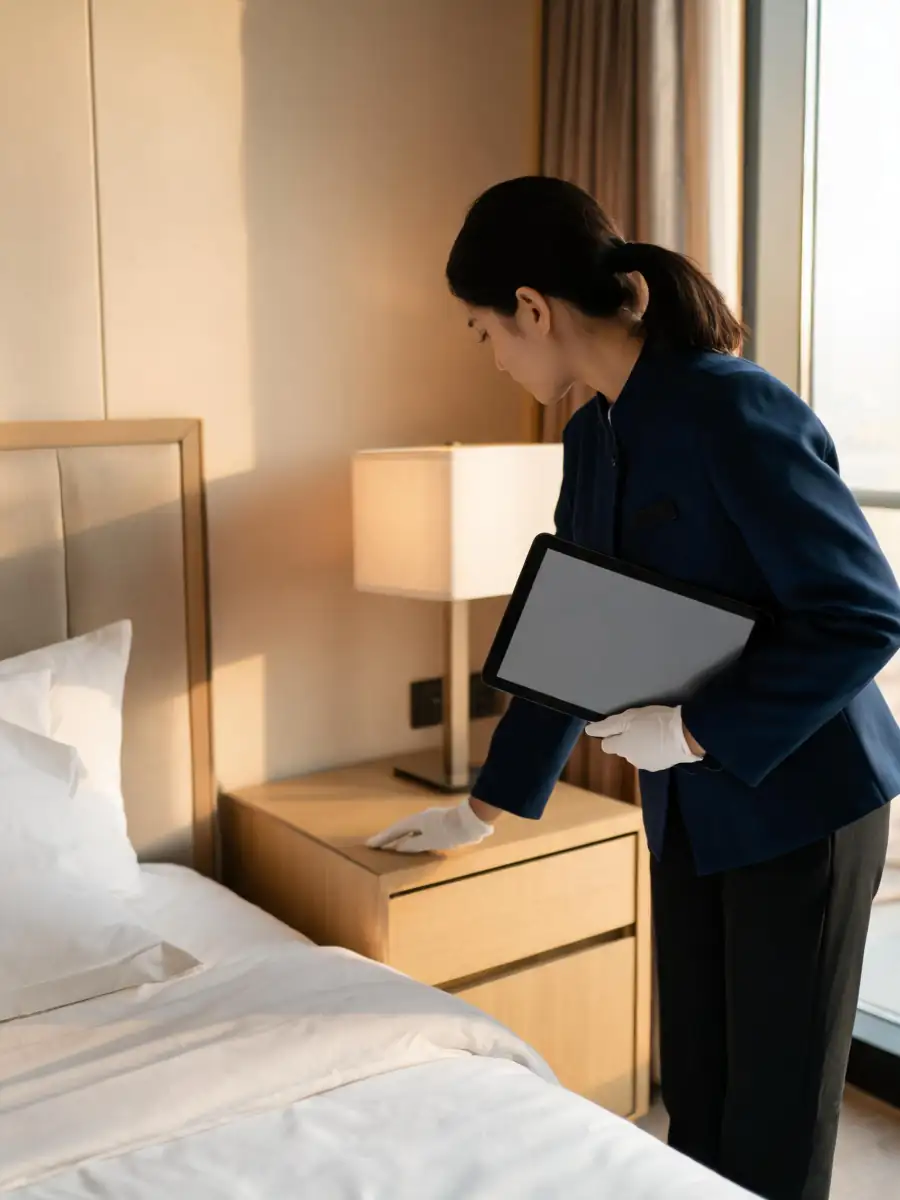
The supervisor reviews the evidence and records the inspection result.
16:30
BeforeIssues found slip through: fixed or not, rechecked or not
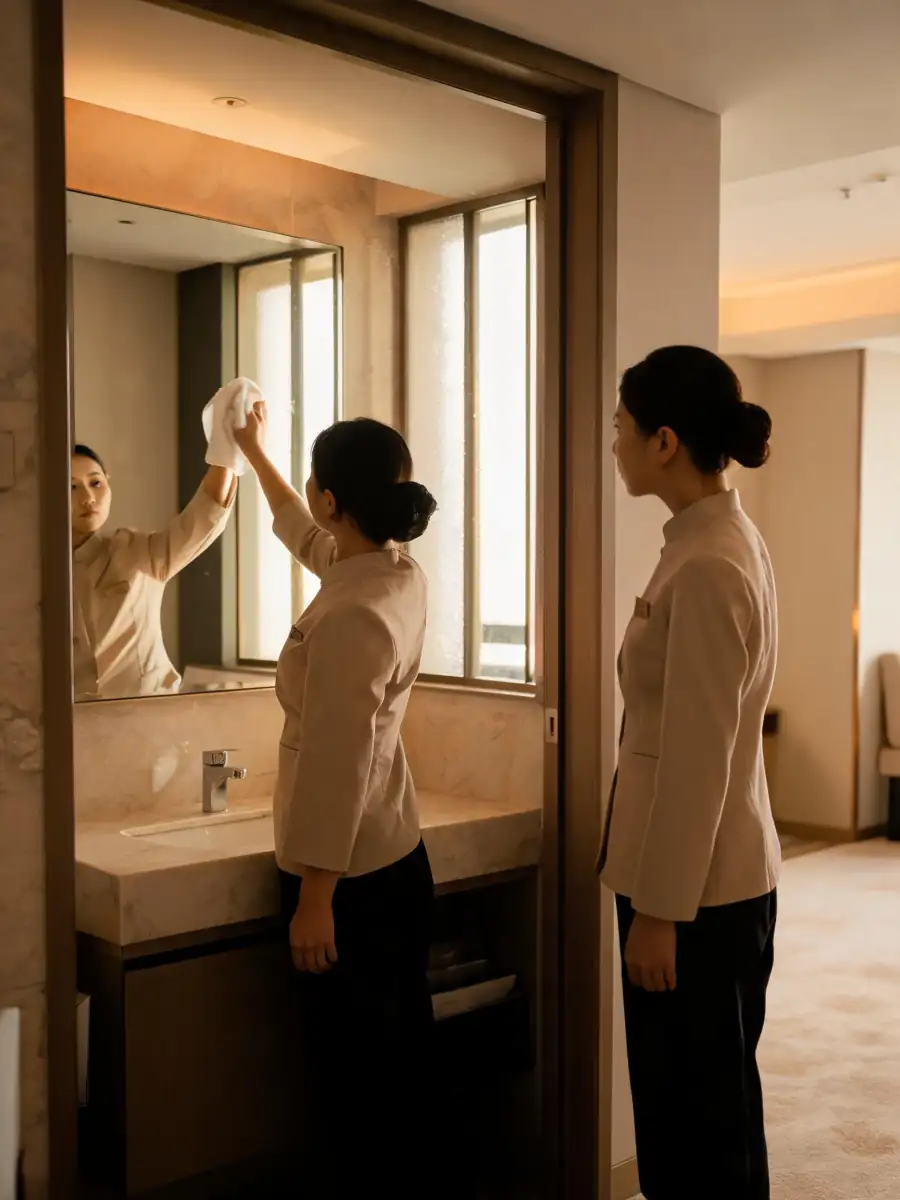
Record issues, send rooms back, resubmit and inspect again.
18:00
BeforeAssigned, cleaned and inspected counts never quite add up
Count each status and rework separately.

Rooms, staff and task requirements must be set up. Cleaning submissions and manual inspections are shown separately.
Each tier includes everything in the one before it. Use this app on its own or with others.
Everything in Basic, plus
Everything in Pro, plus
On its own it covers housekeeping tasks only, not other departments.
These links switch on automatically when you use the apps together, at no extra charge.
Work with any department module: cross-department tasks and shared shifts, with every department’s checks on one page for the GM.